Thursday, June 21, 2012

WIP - Project 2

Rendering Materials.
Using a selected jpeg and bitmap.


Editing the bitmap by adjusting the roughness, reflectivity, refraction and also the bump to make the material more real.


Select the elements that was assigned with the material and open the modify tab. The patterns of the bitmap can be adjusted using the UVW Map under the modifying list. 


In order to let the different elements to have a continuation of bitmap, select acquire from the UVM Map modifier. Select the neighbouring elements that have been assigned with the same materials and was already adjusted with UVM Map. Choose Relative Absolute and click OK. Your bitmap will be connected without having trouble to rearrange the mapping of the bitmap.


Render to check if the material is assigned and arranged accordingly.


Thursday, May 3, 2012

WIP - Project 1

With basic rendering of materials and lighting, project 1 completed. 


Final progess of project 1 uploaded.

WIP - Project 1

My last progress stops when I finished extruding the walls.
Then, I added the contours and doors and windows.


Third progess of project 1 uploaded.

Wednesday, May 2, 2012

WIP - Project 1

The previous progress shows the extruded walls for first floor.
My progress then shows how I started to extruding the walls for second floor as well as the roof and stairs.


Second progess of project 1 uploaded.

WIP - Project 1

Project 1  : Completed Basic 3D Model
Building    : Koshino House
Architect  : Tadao Ando


Instead of using AutoCAD, I used Google Sketchup to start with my project before exporting to 3D Max for further rendering.


 First progess of project 1 uploaded.


Saturday, April 28, 2012

WIP - Exercise 3: "Simple" House

Importing an AutoCAD file to 3D Max:
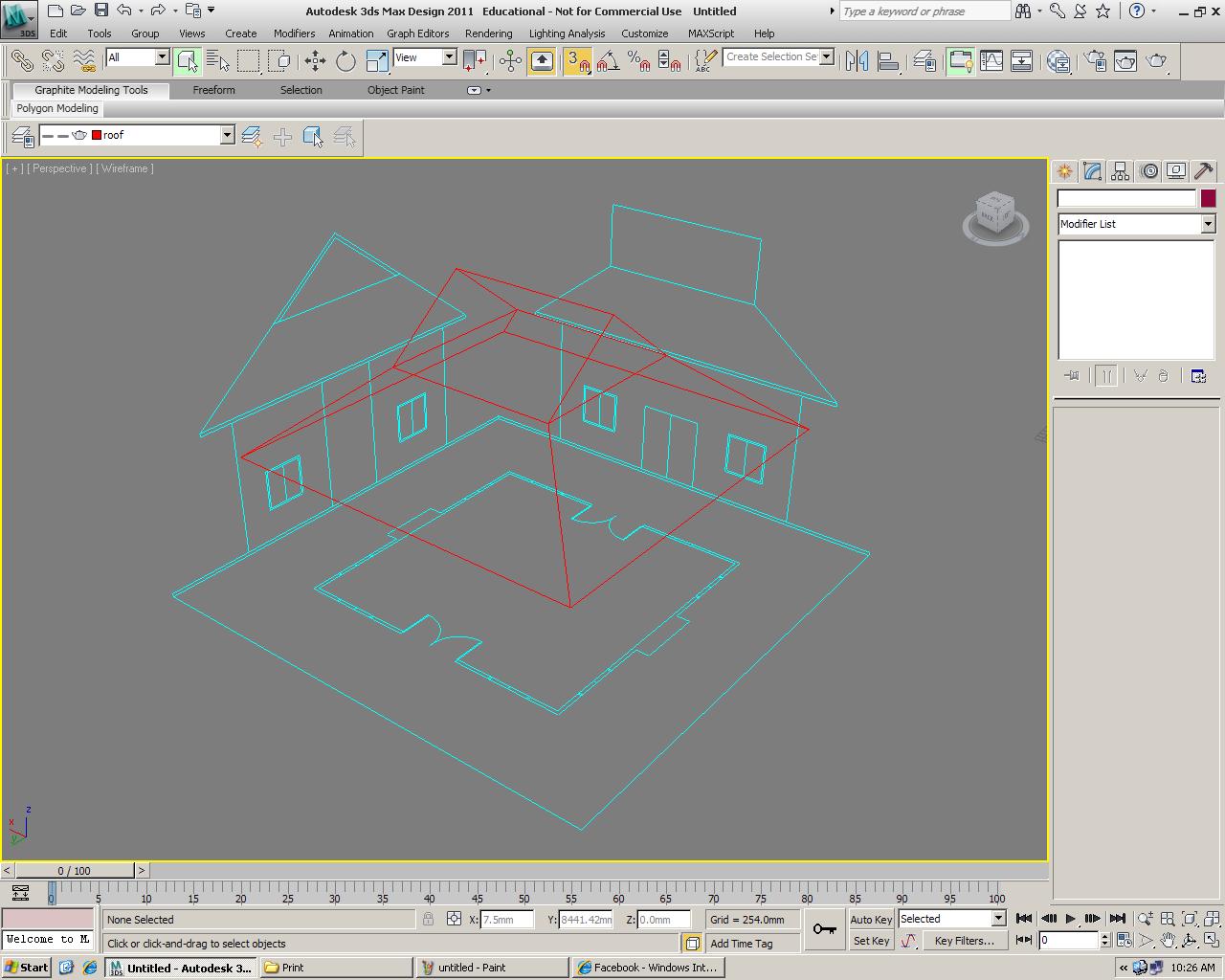
1. Importing CAD drawings (plan & elevations) to 3DMax.
 2. Rotating the elevations and place it on the plane for a better view.
 3. Roof is slowly built by refering to the roof plan using shapes and modifier.
 4. Roof is completed and placed under a layer.
 5. Wall is built up using offsets and extrude commands.
 6. Doors and windows are done using the command Boolean.
 7. Completed the "simple" house.
 8. Adding simple rendering of materials and lightings.
 9. Tadah! 


Thursday, April 26, 2012

WIP - Exercise 2: Vase

A 3D Vase done in 3D Max Design.
 The chosen vase found on Google Image.
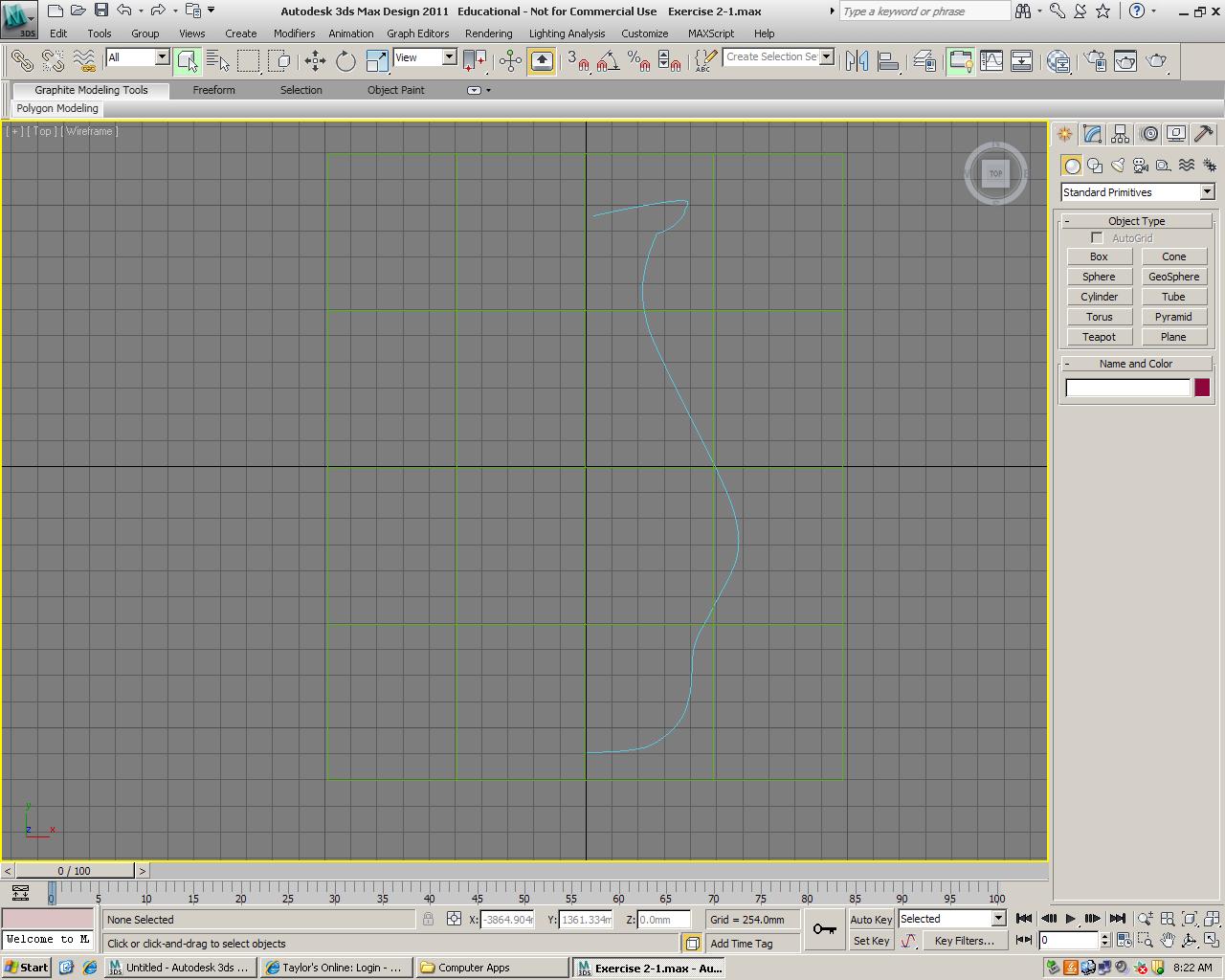
 Using spline to trace the outline of the vase.
 Using lathe to form the shape of the vase.
 After several modifying, we started to rendering the vase with simple materials and lightings.
The rendered vase.